

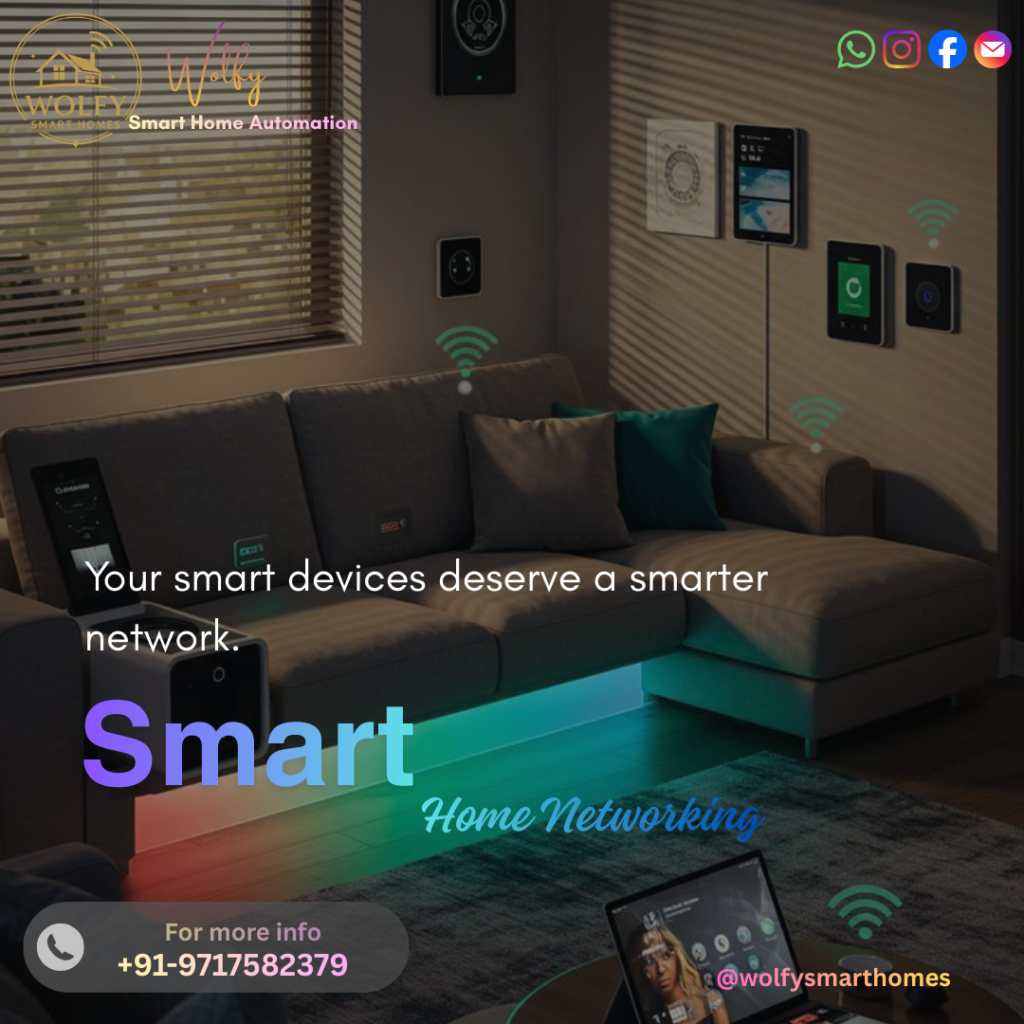
Smart home networking is the invisible powerhouse that makes every device in your Wolfy Smart Home work together smoothly. ⚡ From lights and locks to sensors and voice assistants, a reliable network is the backbone of true automation.
Why Smart Home Networking Matters 🌐
Behind every smooth Wolfy automation scene is smart home networking doing the heavy lifting. When your Wi‑Fi is strong, stable, and well‑designed, your lights respond instantly, cameras stream in HD, and sensors trigger without delay. 😍
As more IoT devices in the home connect to the internet, a normal consumer network often struggles. That is where professional‑grade Wolfy smart home solutions step in, ensuring every room gets strong coverage, low latency, and secure communication. In this guide, we break down the basics of smart home networking and show how to build a rock‑solid foundation for your smart lifestyle.
What Is Smart Home Networking? 🤔
Smart home networking is the complete system that connects all your smart devices—routers, access points, switches, and sometimes hubs—so they can talk to each other and to the internet.
Typical devices using home Wi‑Fi for smart devices include:
- Smart lights and switches
- Smart door locks and video doorbells
- CCTV IP cameras and NVRs
- Voice assistants (Alexa / Google)
- Smart TVs and streaming boxes
- Sensors, IR blasters, AC controllers, and more
A well‑designed network ensures that every Wolfy automation command reaches the device quickly, even when many IoT devices in the home are online at the same time.
Core Components of Smart Home Networking 🔧
Here is a simple table of the main elements involved in smart home networking:
| Component | Role in Network | Wolfy Recommendation 💡 |
|---|---|---|
| Main Router | Central gateway to the internet | Dual/tri‑band router with Wi‑Fi 6 |
| Mesh Wi‑Fi / Access Point | Extends coverage to every room & floor | Mesh nodes in distant rooms |
| Network Switch | Adds more LAN ports for wired devices | Use for TVs, NVRs, heavy traffic |
| Smart Hub / Bridge | Connects Zigbee/Z‑Wave devices if needed | Protects all IoT devices in the home from attacks |
| Security Features | Protects all IoT devices in home from attacks | WPA3, guest network, strong password |
Wolfy smart home solutions typically combine a powerful router plus mesh Wi‑Fi for full‑home coverage, especially in larger apartments or villas.
Why Wi‑Fi Quality Is Critical for Smart Homes 📶
Many people think a high-speed internet plan is enough. In reality, home Wi‑Fi for smart devices is more about coverage, stability, and latency than just Mbps.
Key reasons why Wi‑Fi quality matters in smart home networking:
- Instant response: Lights, curtains, and scenes must trigger without noticeable delay to feel premium.
- Smooth video streaming: IP cameras need stable bandwidth for clear, real‑time surveillance.
- Multiple devices: Dozens of IoT devices in the home may be connected at once—cheap routers cannot handle this reliably.
- Future‑ready: As you add more Wolfy smart home solutions, your network must remain fast and stable.
That is why a proper smart home router setup is a must, not an option.
Smart Home Router Setup – Best Practices 🛠️
For truly reliable smart home networking, follow these practical router and mesh setup tips:
- Place the main router centrally in the home, not inside a closed cabinet.
- Use dual‑band or tri‑band routers (2.4 GHz + 5 GHz) to separate heavy traffic from light devices.
- Enable a dedicated SSID for home Wi‑Fi for smart devices to keep them organized.
- Use wired connections (LAN) for TVs, NVRs, and gaming consoles to offload Wi‑Fi.
- Add mesh nodes or access points in far rooms, upper floors, or thick‑wall areas.
With Wolfy smart home solutions, our experts design this layout based on your floor plan so that every device gets a strong signal strength. 💪
Connecting IoT Devices in the Home the Right Way 🔗
When onboarding many IoT devices in the home, a clear structure keeps your smart home networking clean and stable:
- Keep most devices on the 2.4 GHz band, which has a longer range and is ideal for sensors and lights.
- Use 5 GHz mainly for high‑bandwidth devices like TVs and streaming.
- Group devices by room or function in your app (Living Room, Bedroom, Security, etc.).
- Name Wi‑Fi SSIDs clearly, for example:
- “Wolfy‑Home‑Main”
- “Wolfy‑Home‑IoT”
This makes troubleshooting, expansion, and automation scenes easier as your Wolfy smart home solutions grow.
Network Security for Smart Homes 🔒
Security is a critical part of smart home networking, especially when so many devices are always online. A weak network can expose IoT devices in the home to hacking or misuse.
Basic security practices:
- Use strong, unique passwords on your router and all apps.
- Enable WPA2 or WPA3 encryption on home Wi‑Fi for smart devices.
- Create a separate guest network for visitors so they never access core devices directly.
- Keep router firmware and smart home apps regularly updated.
Wolfy smart home solutions can be configured with advanced security features, giving you peace of mind while keeping automation smooth. 🛡️
Sample Smart Home Network Layout (Wolfy Style) 🏠
| Area | Devices Connected | Network Strategy |
|---|---|---|
| Living Room | TV, streaming box, hub, main voice assistant | TV via LAN, hub & assistant on 5 GHz |
| Bedrooms | Smart lights, switches, AC controllers, sensors | All on 2.4 GHz via mesh node |
| Entrance | Video doorbell, IP camera, smart lock | 2.4 GHz Wi‑Fi with strong RSSI |
| Security | NVR, extra cameras | NVR via LAN, cameras on dedicated SSID |
| Whole Home | All Wolfy smart home solutions and IoT devices in home | Segmented IoT SSID + main SSID for phones |
This layout keeps the smart home router setup organized and ensures smart home networking works efficiently even under heavy load.
Why Choose Wolfy for Smart Home Networking? 🐺
Wolfy smart home solutions are designed not just around devices, but around robust smart home networking as the foundation. Our approach includes:
- Site survey and heat‑map‑based Wi‑Fi planning.
- Professional smart home router setup with mesh, switches, and security.
- Optimized SSIDs for home Wi‑Fi for smart devices and user devices.
- Seamless onboarding of all IoT devices in the home with organized naming.
- Ongoing support for expansion, upgrades, and troubleshooting.
The result is a stable, responsive smart home where scenes fire instantly, voice commands work reliably, and security systems are always online. ⚙️✨
Conclusion: Build a Future‑Ready Wolfy Smart Network 🚀
A truly intelligent home starts with rock‑solid smart home networking. When your Wi-Fi, router, and mesh are set up correctly, every Wolfy automation—lights, locks, climate, entertainment, and security—feels smooth and magical.
By investing in the right home Wi-Fi for smart devices, setting up a proper smart home router, and securely onboarding all IoT devices in the home, you are not just buying gadgets—you are building a future-ready digital infrastructure. With Wolfy smart home solutions, your network becomes the silent hero powering comfort, convenience, and safety in every corner of your home. 🌟🏡